What to Do When You Lose Your Phone While Wading
I’ll compare the smartest ways to prepare for a lost phone on a wading trip, from offline navigation and backup communication to the decisions that matter most once the device is gone.
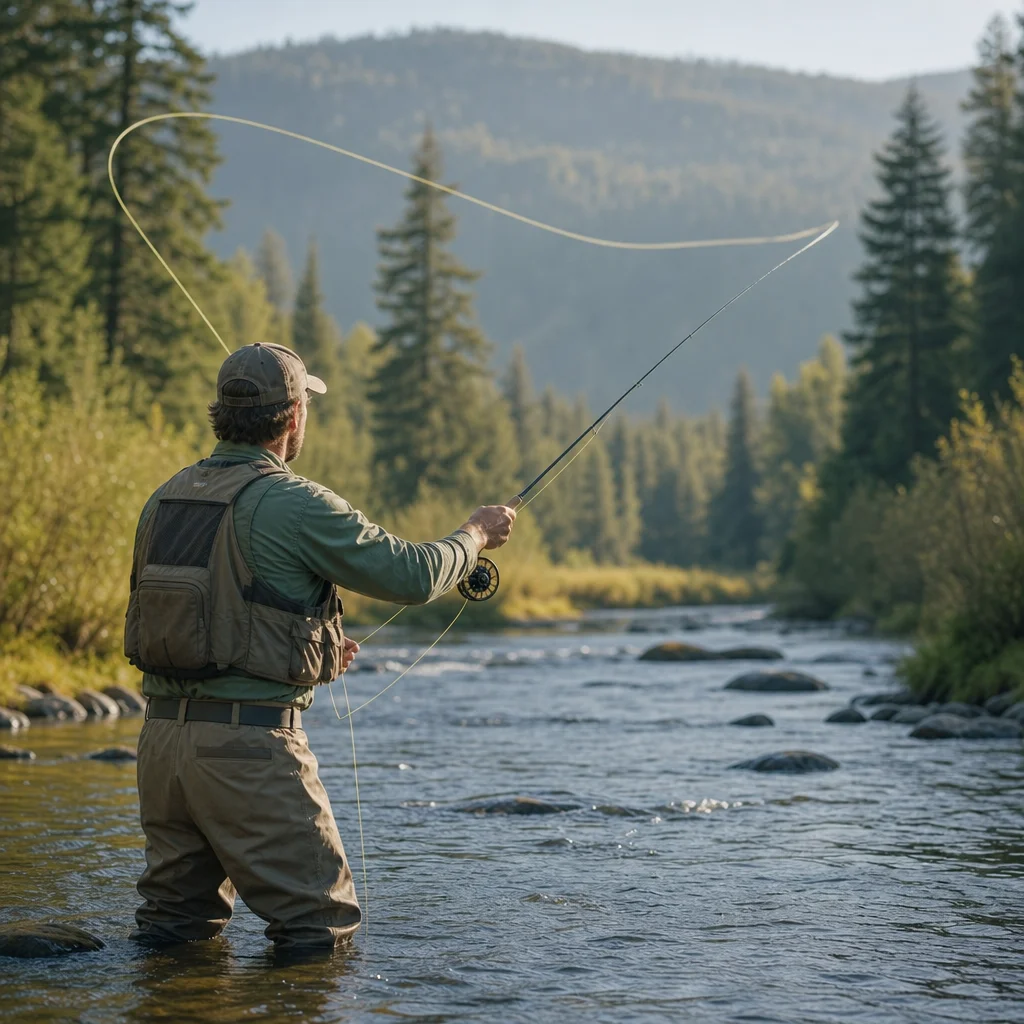
Losing a phone while wading is more than an expensive inconvenience. Your device may be your map, weather check, camera, emergency contact, and way home. Once it disappears beneath the current, you need to decide whether the priority is finding it, staying safe, navigating out, or contacting help.
The right response depends on the situation. A phone lost in shallow, calm water near the access point is a recovery problem. A phone lost in a remote river, during deteriorating weather, or while you’re separated from your vehicle is a communication and navigation problem first.
Decide What Matters Most First
Before reaching into the water or retracing your steps, pause and assess your surroundings.
Ask yourself:
- Are you standing securely, or are you at risk of slipping or being swept off balance?
- Are you alone?
- Do you know where the nearest safe bank, trail, road, or vehicle is?
- Is weather, darkness, rising water, cold, or injury becoming a concern?
- Do you have another way to contact someone?
If you’re in immediate danger, leave the water and get to a stable location. Don’t turn a lost phone into a wading accident. A device can be replaced; a fall on slippery rock or a separation from your group can become serious quickly.
If you’re safe and the phone was lost only moments ago, you can consider a brief, controlled search. If the search requires deeper water, unstable footing, or repeated crossings, stop. The value of the phone doesn’t justify unnecessary exposure.
Prepare Before You Enter the River
The best response to a lost phone starts before the first cast. You’re trying to make the phone useful without making it the only thing keeping the trip organized.
Carry a simple backup plan
Write down or memorize the details you’d otherwise look up on your phone:
- Your vehicle’s location and license plate number
- The access point or trailhead name
- A key emergency contact
- Your planned route or destination
- Nearby roads, towns, or landmarks
- Any relevant medical information for you or a member of your group
A small card in a sealed pocket can provide enough information to get oriented or explain your plan to a passerby. It won’t replace a map, but it’s far more useful than trying to remember a trailhead name after a long day on unfamiliar water.
If you fish with others, agree on a meeting point and a departure time. Don’t rely on everyone having a charged phone or assuming that a group message will reach every person in a canyon or remote valley.
Download information for offline use
Cell coverage can disappear well before the river looks remote. Before leaving service, download the map area you’ll need and confirm that it’s available in airplane mode. Include the access road, parking area, nearby trails, and at least one route back to a larger road.
Offline maps have limits. Some show roads but not minor trails, private boundaries, seasonal closures, or water hazards. A downloaded map can also become difficult to use if the phone is lost, damaged, or out of battery. Treat it as one layer of preparation rather than your entire navigation system.
A paper map, compass, or a basic printed route description is a sensible backup for unfamiliar water. You don’t need a full expedition kit for every afternoon outing, but you should carry more than a phone when the route is remote or the consequences of getting turned around are significant.
Protect the phone from predictable losses
Most phone losses while wading happen because the device is carried in an easy-to-reach pocket, held while moving, or placed on a rock during a fly change. Use a secure, waterproof case or pouch attached in a way that won’t snag on brush or equipment.
Keep the phone in one consistent location. A zipped chest pocket or secure wading-jacket pocket is generally easier to manage than a loose pants pocket. If you take it out, put it back immediately rather than setting it beside the rod, net, or fly box.
A tether can help, but it must be used thoughtfully. A short, secure tether may prevent a phone from sinking away. A long cord that can catch on branches, rocks, or wading gear can create a snag or entanglement hazard. The attachment point and cord should be strong enough for the device but not so cumbersome that you stop using it.
Choose Your Backup Communication
Different communication options solve different problems. The practical choice depends on where you fish, how remote the water is, and whether you usually go alone.
Another person’s phone
Fishing with a partner is the simplest backup. Establish who carries the primary phone and who carries the backup, rather than putting both devices in the same vehicle, backpack, or dry bag. If you’re traveling as a group, distribute important items instead of concentrating all navigation and communication in one person’s pocket.
Satellite messaging or emergency devices
A satellite communicator can be useful where cellular service is unreliable, particularly for planned check-ins, location sharing, or emergency messaging. These devices can involve activation, subscriptions, charging requirements, and limitations caused by terrain, vegetation, weather, or poor sky visibility.
If you use one, learn its actual workflow before the trip. Know how to send a routine message, share your location, trigger an emergency response, and cancel an accidental alert. Carry it where you can reach it without removing your waders or entering deeper water.
Emergency calling features
Some phones and dedicated devices can contact emergency services through available networks or satellites, but capabilities vary by device, location, network, plan, and regional support. Don’t assume that a feature advertised for one country or model works the same way on your trip.
Check Your Emergency Options Before Wading: Confirm the emergency number for your destination, test your phone or satellite device according to the manufacturer’s instructions, and check whether the relevant service is supported in the area you’ll fish. Keep a non-electronic navigation and communication backup for trips where a failure would leave you isolated.
What to Do Immediately After Losing the Phone
Once you’ve decided that you’re safe enough to act, use a short, organized search rather than rushing around the river.
Mark the last known location
Stop at the point where you believe the phone disappeared. Note a distinctive rock, tree, bend, or bank feature. If you have a watch, GPS device, or paper map, record the location as precisely as you can.
Think through the last few minutes:
- Where did you last hold or use the phone?
- Did you put it on a rock, tuck it into a pocket, or drop it while crossing?
- Did the current carry it downstream?
- Could it have fallen on the bank rather than in the water?
Search the bank and shallow area first. A phone may be hidden under leaves, gravel, foam, or vegetation, and rushing water can make a quick visual scan unreliable. Don’t put your hands into gaps between rocks where you can’t see what you’re touching.
Use a controlled recovery attempt
If the water is shallow and your footing is reliable, make one careful search. Keep your stance stable, avoid leaning far downstream, and don’t reach into water that forces you to release your balance or rod. If visibility is poor, repeated searching may do little more than increase risk.
A phone locator can help only if the device still has power and a connection, and the sound or location result may be imprecise. If another person has a compatible device, they can try calling it or checking the relevant locator service. Don’t return to a hazardous section of river simply because the map shows a signal near the water.
Stop searching when conditions change
End the recovery attempt if the water rises, weather worsens, light fades, you become cold, or you lose confidence in your route. The phone is no longer the main problem at that point. Get out, regroup, and use your backup plan.
Navigate Out Without the Phone
If you know the route, follow the landmarks you recorded before entering the water. Keep the river, trail, or road relationship clear in your mind; many navigation errors happen when anglers follow the water in the wrong direction or leave a familiar bank for an unmarked shortcut.
If you’re uncertain, avoid improvising a difficult route. Stay with your group, return to the last known safe point, and use a paper map, compass, GPS unit, or visible trail markers. In a remote area, it may be safer to remain together in a known location than to split up searching for a vehicle or signal.
If someone expects you back, they may start looking when you miss a check-in. That’s why a written plan should include your access point, intended water, vehicle details, and expected return time. Tell a trusted person before the trip, and update the plan when you make a significant change.
Protect Accounts After the Phone Is Gone
Once you’re safely off the water, treat the missing phone as both a hardware loss and a security issue.
Use your device-locator service to mark it as lost, display a contact message if appropriate, or erase it remotely if recovery seems unlikely. Change passwords for important accounts, beginning with your email and any account that can reset other passwords. Contact your carrier to suspend the line or transfer service to a replacement device, and review financial or authentication apps that were accessible from the phone.
If the phone may have been found by another angler, a clear lock-screen message with an alternate contact method can improve the chance of recovery. Avoid publishing sensitive information or meeting an unknown finder alone.
A Better Minimalist Setup for the Next Trip
You don’t need to carry every possible gadget. A reliable setup usually includes:
- A securely protected phone
- Offline maps checked before leaving service
- A small paper route note or map
- A charged backup battery in a waterproof container
- A known meeting point and return time
- A communication backup suited to the remoteness of the trip
- A plan shared with someone who isn’t on the water
For familiar, nearby water, that may be enough. For remote or solo trips, add a compass, more complete map, and an appropriate satellite communicator or other emergency device. The farther you are from roads and reliable coverage, the less sensible it is to depend on a single pocket-sized computer.
The practical sequence is simple: get stable, assess the risk, make one controlled recovery attempt if conditions allow, then leave using your backup plan. Preparing offline information and distributing essential details before you wade means a lost phone remains an inconvenience instead of becoming the trip’s most dangerous feature.